โšก No Download or Installation Needed โ€ข Works on Any Laptop & PC

Cloud Mobile Shop Software for PC & Laptop

Run your counter billing and inventory on your laptop or computer. No heavy setup or software installation needed โ€” just open web.managemobiles.com in Chrome or Edge and start billing immediately.

โœ“ 7-Day Free Trial  โ€ข  โœ“ Zero Download Overhead  โ€ข  โœ“ Plug-and-Play USB Scanner
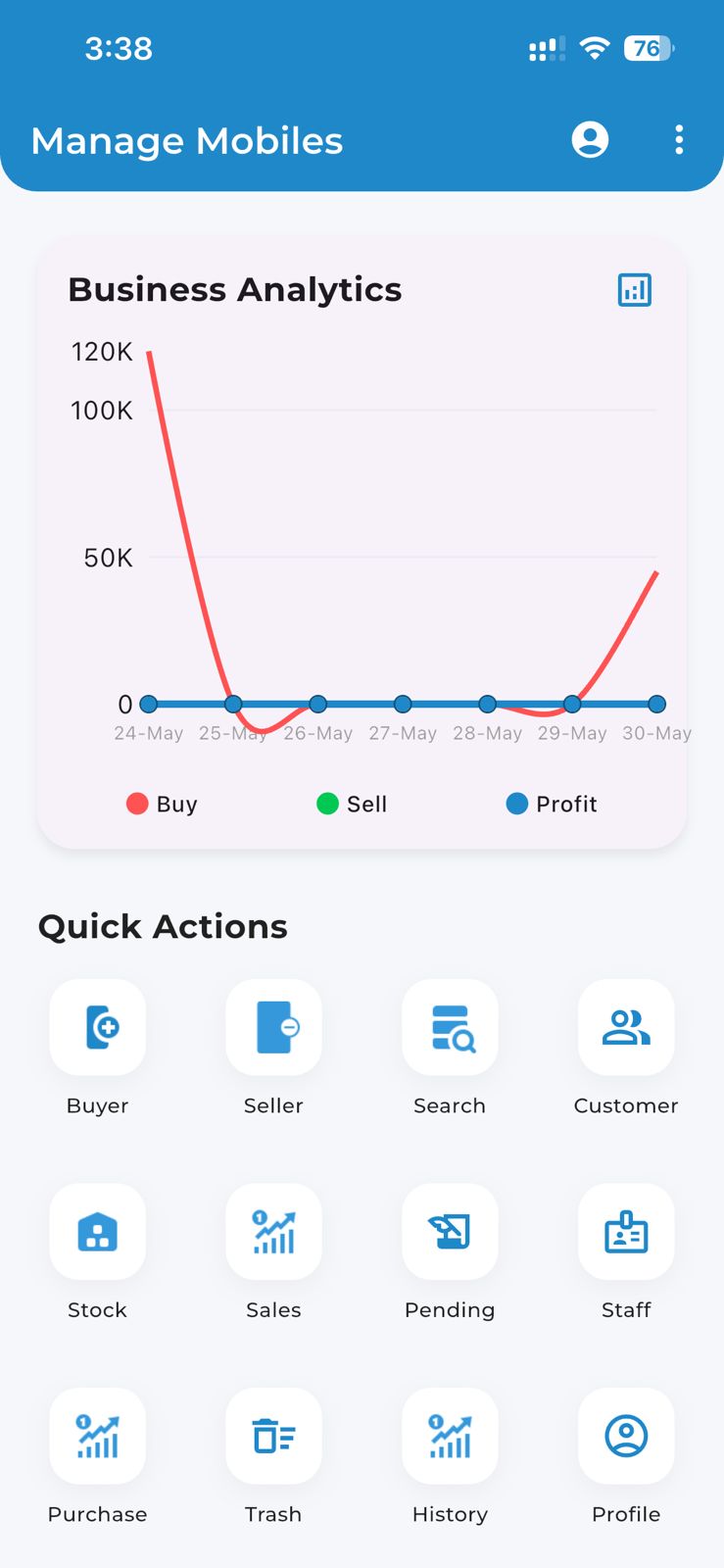
Manage Mobiles PC & Laptop Billing Dashboard

Faster Counter Billing Built for Your Shop Computer

Everything you need to run high-speed counter billing on your laptop or desktop.

๐Ÿ’ป

Zero Download & No Setup Headaches

Traditional billing software requires bulky setup files, SQL databases, and crashes on Windows updates. Manage Mobiles runs 100% in your browser. Just log in and bill.

๐Ÿ–จ๏ธ

USB Thermal Printer & Scanner Ready

Connect standard 2-inch and 3-inch USB thermal receipt printers and handheld laser barcode scanners directly to your laptop. Print receipts in 1 click without driver troubles.

๐Ÿ”„

Real-Time Phone & PC Sync

Add new stock and take seller Aadhaar photos on your phone. Make bills and manage large inventory on your laptop. Everything syncs instantly with zero delay.

โŒจ๏ธ

Fast Keyboard Shortcuts for Billing

Fly through busy counter rush hours with fast keyboard shortcuts. Search phones, add accessories, apply discounts, and print bills in under 5 seconds without touching the mouse.

๐Ÿ‘ฅ

Multi-Counter & Staff Access Control

Run multiple billing counters on different shop laptops or desktop computers. Control staff permissions so counter salesmen can bill but cannot alter profit margins or accounts.

โ˜๏ธ

100% Encrypted Cloud Auto-Backup

Never fear hard drive crashes, viruses, or laptop theft. Your complete customer history, IMEI records, stock levels, and Khata are backed up 24/7 on secure cloud servers.

Frequently Asked Questions on PC & Laptop Billing

Common questions about using Manage Mobiles on your shop computer.

Do I need to download or install an .exe file on my PC?
+

No. You do not need to download or install any .exe file. Manage Mobiles runs smoothly on Google Chrome, Microsoft Edge, Brave, or Safari at web.managemobiles.com. It works on Windows 7, 8, 10, 11, Mac, and Linux without installation headaches.

Which thermal printers and barcode scanners work with the PC software?
+

Any standard USB, Ethernet, or Bluetooth thermal printer (both 2-inch and 3-inch models like TVS, Everycom, NGX, Epson) works seamlessly. Any USB plug-and-play barcode and IMEI scanner is supported right out of the box.

Can multiple staff members bill from different computers at the same shop?
+

Yes. You can have one laptop at Counter 1 for smartphones and another desktop at Counter 2 for accessories. Both sync to the same store inventory in real-time so your stock counts are always accurate.

What happens if my shop internet goes down temporarily?
+

You can immediately switch your laptop to your mobile phone Wi-Fi hotspot or continue billing directly on the Manage Mobiles mobile app on Android or iPhone. Your data stays in perfect sync.

Is my shop data safe if my laptop gets damaged or stolen?
+

100% safe. Your data does not sit on the local PC hard disk. It is stored on bank-grade encrypted cloud servers. If your laptop breaks, simply log in from another computer or phone and resume billing in 10 seconds.

Start Billing on Your Laptop or Computer Today

Join mobile shop owners across India who enjoy hassle-free cloud billing without software installation crashes. Start your 7-day free trial right now.

โœ“ 7-Day Free Trial  โ€ข  โ‚น499/mo after trial  โ€ข  100% Real-Time Cloud Sync